
Teamup Ticker
Send an email automatically when a new event is created
Thu Jul 2, 2026
.Ticker > Tips / Support Nuggets
Teamup does not have built-in email functionality. However, using integrations you can set up a workflow to automatically send an email after a new event is created in Teamup.
Here are some quick tips for setting up this type of workflow:
- You can use Zapier integrations with Teamup Calendar. Make.com also works well.
- Zapier has a built-in email sender you can use for this workflow. See here for how Teamup Calendar and Email by Zapier can work together.
- To set up this workflow, you'll need to obtain a Teamup API key. Request one here.
- You will need a shareable calendar link to use in the workflow. Be sure to use a link that has Read-only access.
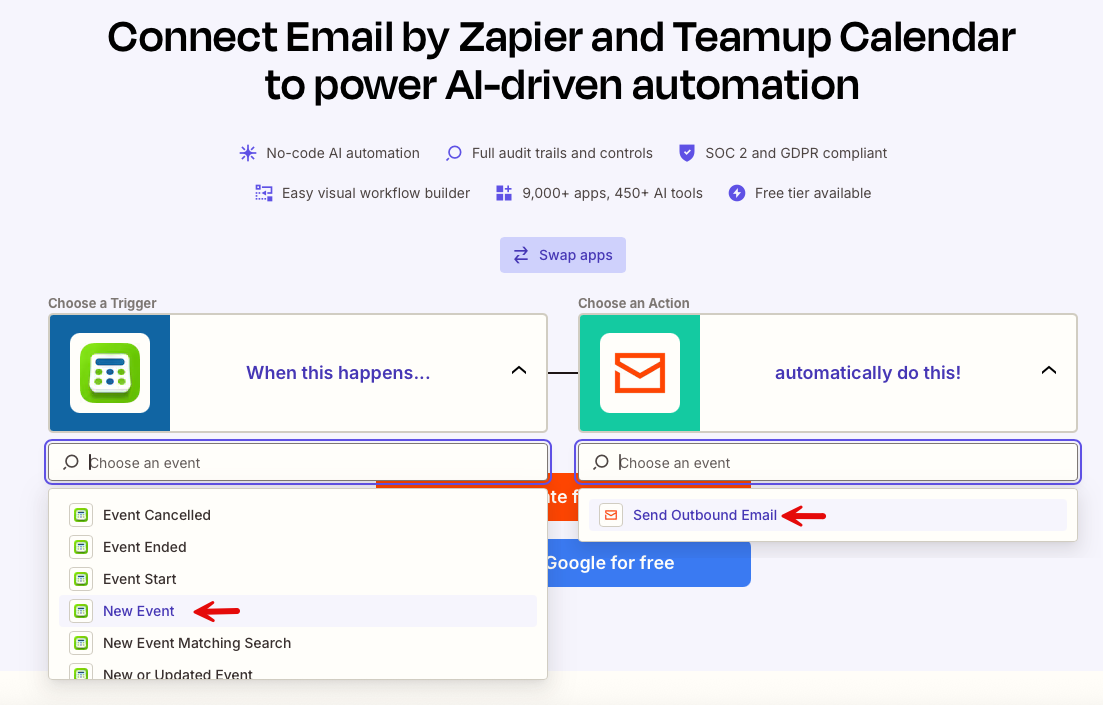
- The workflow trigger should be a new event is added in Teamup. The action is sending an email.
- You will need a required event field in your Teamup Calendar to hold the recipient's email address. You can use a custom event field or repurpose a built-in event field.
- Make sure that event field is required.
- Map that event field to Recipient when configuring the email settings in the workflow.
More information here:
email, automation, workflow, integration, zapier, make, send, automate