
Teamup Ticker
Two ways to let users self-book resources
Wed Jun 17, 2026
.Ticker > Tips / Support Nuggets
When people need to reserve shared equipment, rooms, lab stations, or other resources, the way you configure booking access makes a big difference. Some organizations prioritize speed and simplicity. Others need stronger controls and accountability.
In Teamup, there are two practical approaches for self-booking.
Two practical ways to manage bookings
How you set up access depends on how controlled your environment needs to be.
Simplest setup: Shared booking access
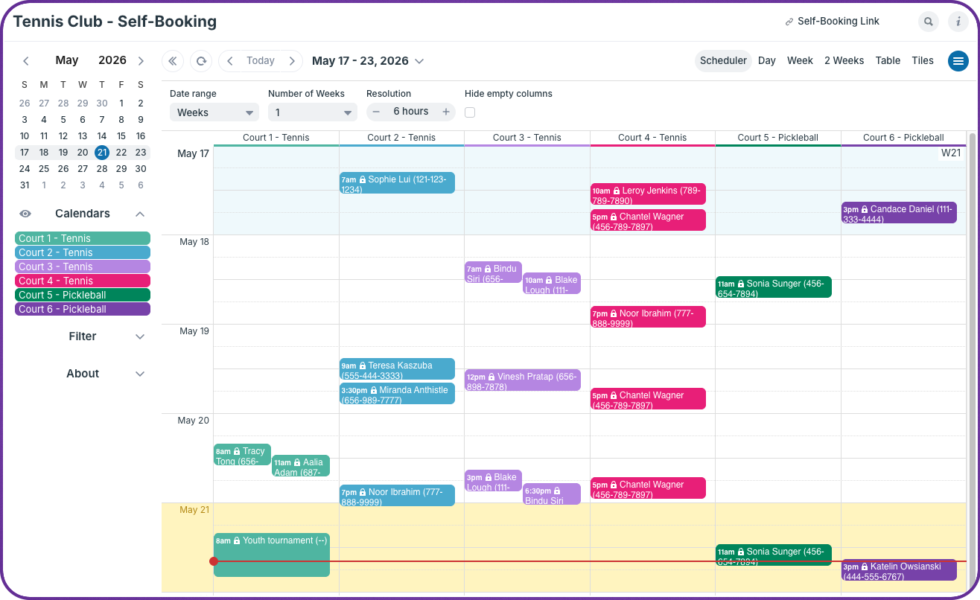
- Provide the group of users with an add-only link to the resource calendars.
- Users can create bookings directly on the calendar. They can’t edit bookings already on the calendar.
- After creating a booking, a user has a small window of time for edits before the booking is locked.
- Required User Information fields ensure every booking has complete details.
This works well for labs and teams where users are trusted and the priority is quick, low-friction scheduling.
More controlled setup: Customized user access
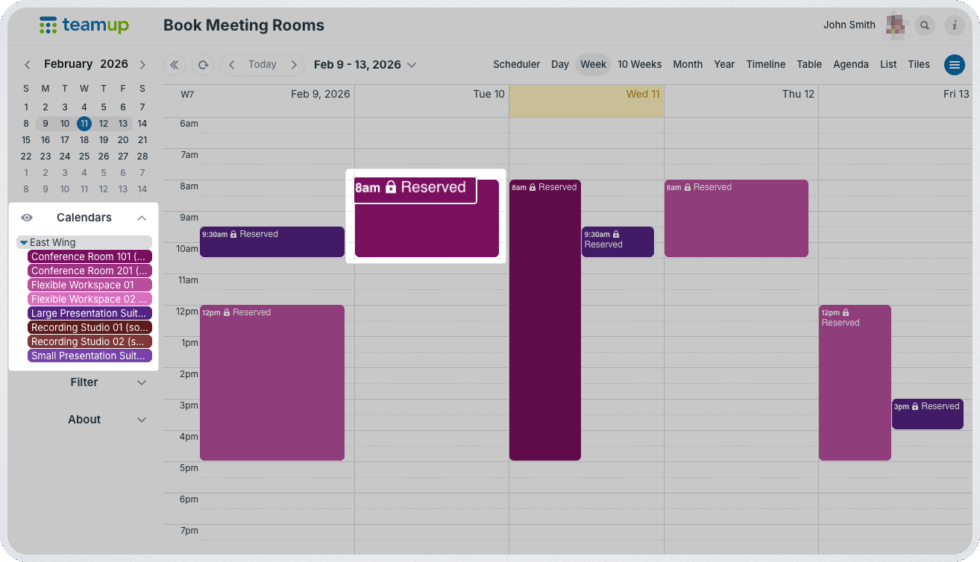
- Add each person as an individual user with modify-my-events permission.
- Users can edit only their own bookings.
- The creation and edit history of each booking is tied to the individual user.
- Required event fields can still be used to ensure complete booking details are captured.
This approach provides stronger control and accountability, especially in larger organizations or multi-institution environments.
Here’s a closer look at each setup, how to use it, and when it works best.
booking, self-book, resources, availability, reserve, reservations, users, team, spaces, staff