
Teamup Ticker
When to use modify-my-events access permission
Wed Mar 4, 2026
.Ticker > Tips / Support Nuggets
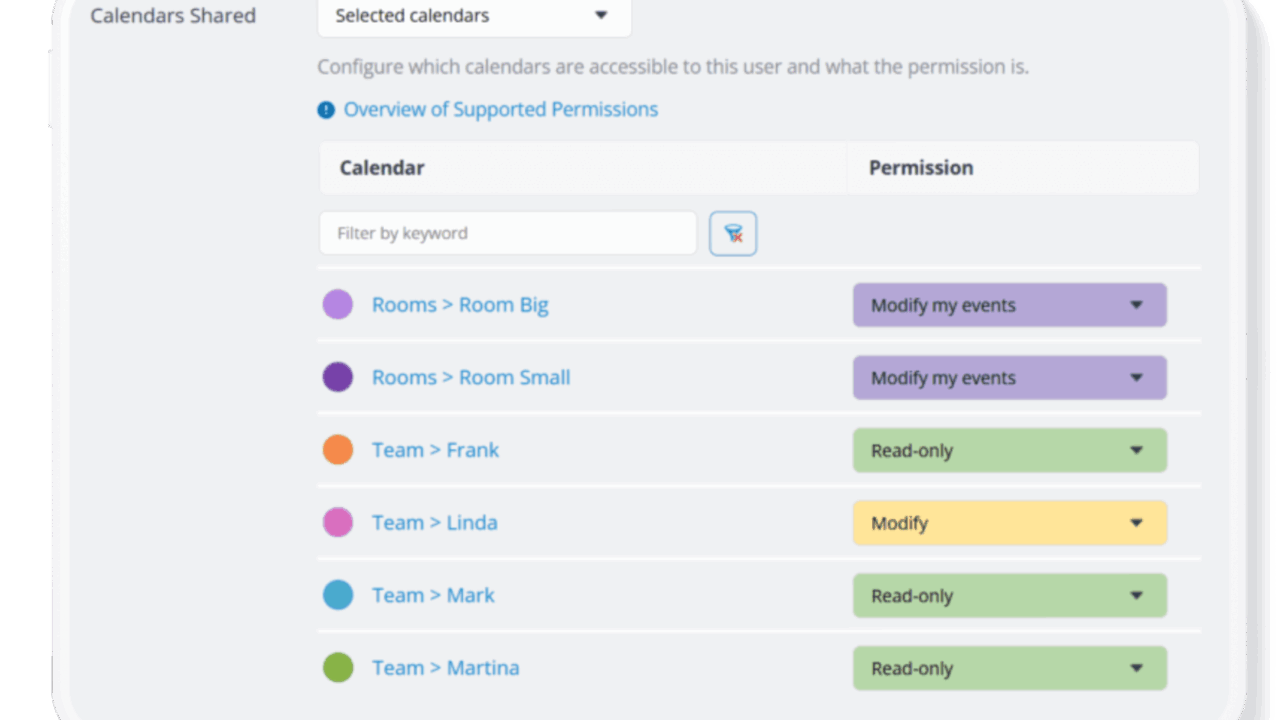
Teamup’s Modify-My-Events access permission lets users add, edit, and delete only the events they created, while still being able to see everyone else’s schedule. As one of Teamup’s nine access permission levels, this permission level bridges the gap between Add-only (can add events but not edit them later) and full Modify (can change any event). It’s a powerful tool for scenarios where each person should own only their entries.
When to use modify-my-events
Modify-my-events permission is a great choice when:
- Users should manage their own entries.
- Shared visibility is important.
- Full edit access is too permissive.
For additional privacy or sensitive information, you can also choose the modify-my-events, no details option, to hide details of other users’ events.
Here are some common real-world scenarios where modify-my-events permission works best.
access, permission, modify-my-events, users, security, visibility, user management