
Teamup Ticker
How to embed multiple sub-calendars separately
Thu 22 Jan 2026
.Ticker > Tips / Support Nuggets
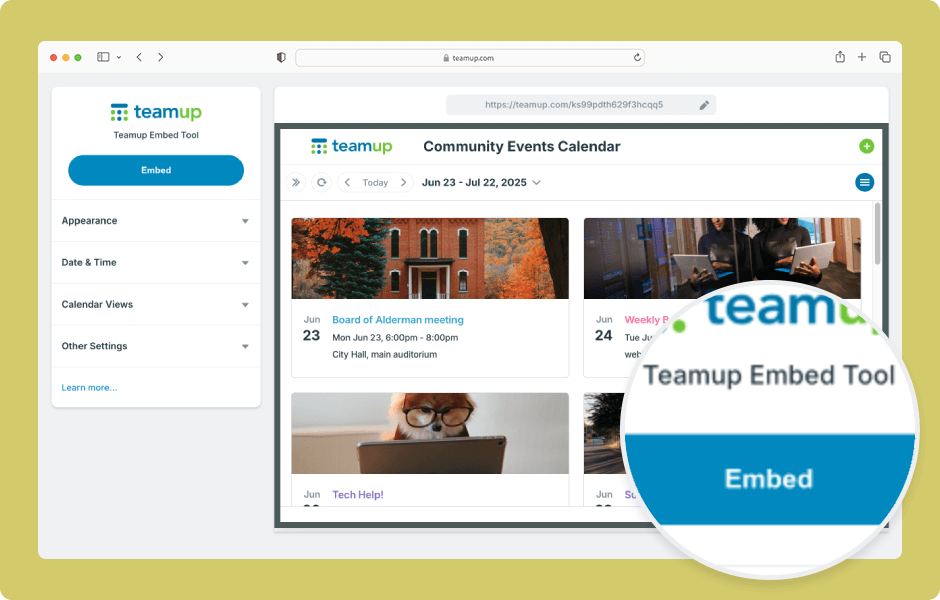
Teamup makes it easy to embed a calendar on your own website:
- Create a secure link.
- Use our Embed Wizard to customize the embedded calendar and generate iFrame code or an embedding URL.
- Use the generated code/URL in your website's editor to embed the calendar.
Did you know it's possible to embed different versions of your calendar, choosing which sub-calendars to include in each one?
For example, perhaps you have a calendar with events organized by different regions. You want to embed different versions on regional pages, so Region 1 shows an embedded calendar only with Region 1 events.
Here's how:
- Create a secure (read-only) link that includes only the Region 1 sub-calendar(s).
- Use that "Region 1" link in the Embed Wizard.
- Use the resulting iFrame code to embed a calendar showing only Region 1 events on the corresponding Region 1 webpage.
Next, create another version:
- Create a secure (read-only link) that includes only the Region 2 sub-calendars.
- Use the Region 2 link in the Embed Wizard.
- Use the resulting iFrame code to embed the Region 2 events calendar on the corresponding Region 2 webpage.
Repeat as needed to embed different versions of the calendar on different webpages.
embed, versions, regional, calendars, teams, sort, sub-calendars, embedding