
Teamup Ticker
Reschedule events fast with drag-and-drop
Tue Feb 24, 2026
.Ticker > Tips / Support Nuggets
To quickly reschedule events in Teamup, use drag and drop instead of manually changing each event’s event date/time in the event editor.
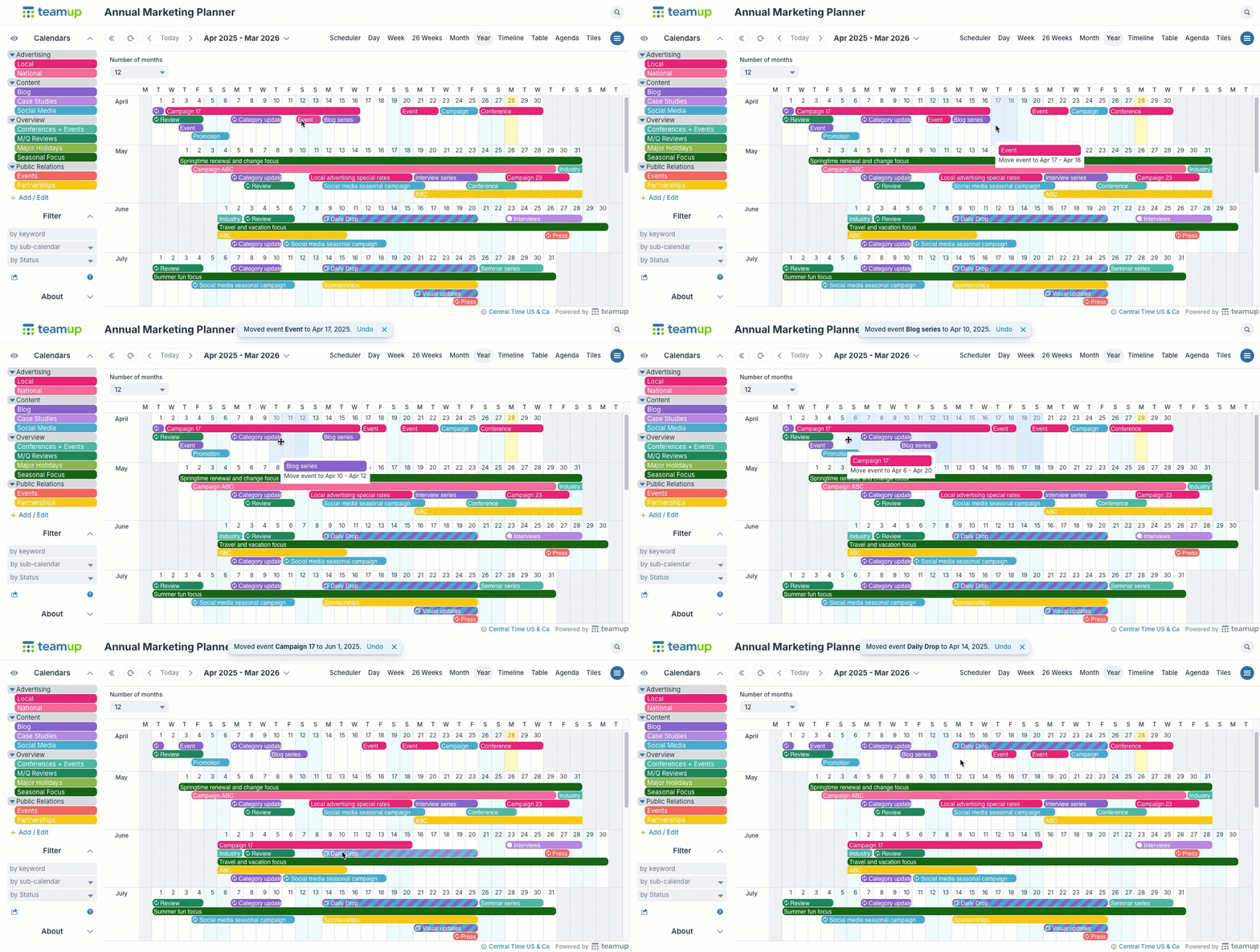
Quickly reschedule many events across weeks or months with drag-and-drop in Year view.
First switch to a calendar view that fits the time frame you need. For example, to reschedule events across months, use Year view. To reschedule events within the same week, use Week view or Multi-day view. To keep events on the same date but adjust the event duration, use any view with an hour grid.
Reschedule the events by dragging each one to the new date. ▶️ This interactive demo shows exactly how to do it.
move events, reschedule events, change date, change time, tips, drag and drop