
Teamup Ticker
What to do if new users do not receive the email invitation
Wed Oct 14, 2026
.Ticker > Tips / Support Nuggets
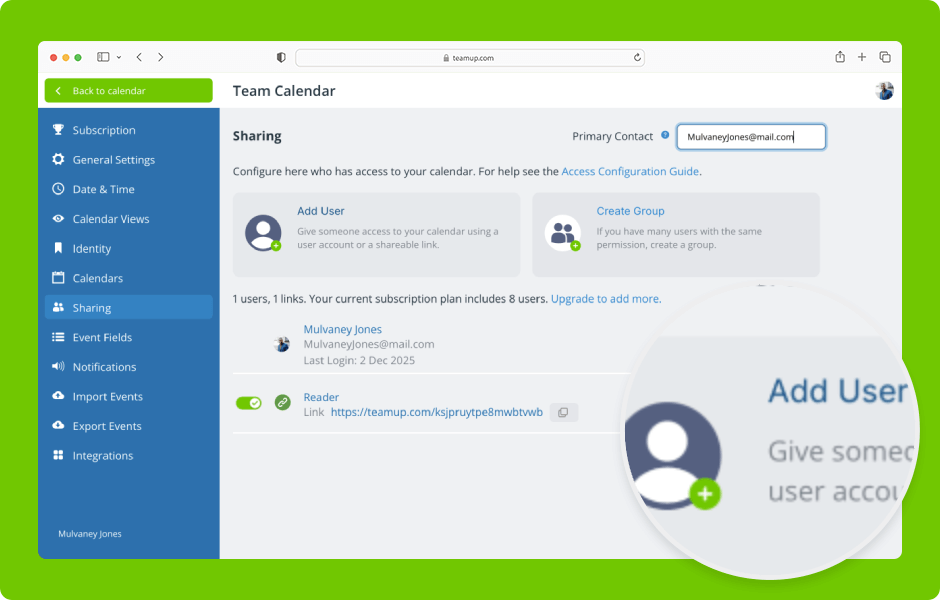
When you add a user to a Teamup calendar, they receive an email invitation to activate a Teamup user account and access the calendar.
Some organizations may have firewalls that block these Teamup emails.
- Contact your IT department and ask them to whitelist emails from the @teamup.com domain.
- In the meantime, as a workaround: Ask the relevant users to create their own user account independently. You can then add those users to your calendar in the Settings > Sharing area.
- Once you have added the users, they can simply log in to their Teamup account and access the calendar.
user, invitation, email, add, calendar, sharing, access, firewall, troubleshooting