
Teamup Ticker
Remove a calendar user without losing their data
On many calendars used for team planning, shift scheduling, and work assignments, it’s common to have one sub-calendar for each team member, so that all jobs and events related to the team member are assigned to their dedicated sub-calendar.
🏢 A sub-calendar is like a workspace dedicated to the employee in the company’s office building.
For the team members to access their assigned jobs and update events on the calendar, each of them also needs to be added as a calendar user.
🔑 A user’s login (email and password) is like the key or ID card they use to access their workspace.
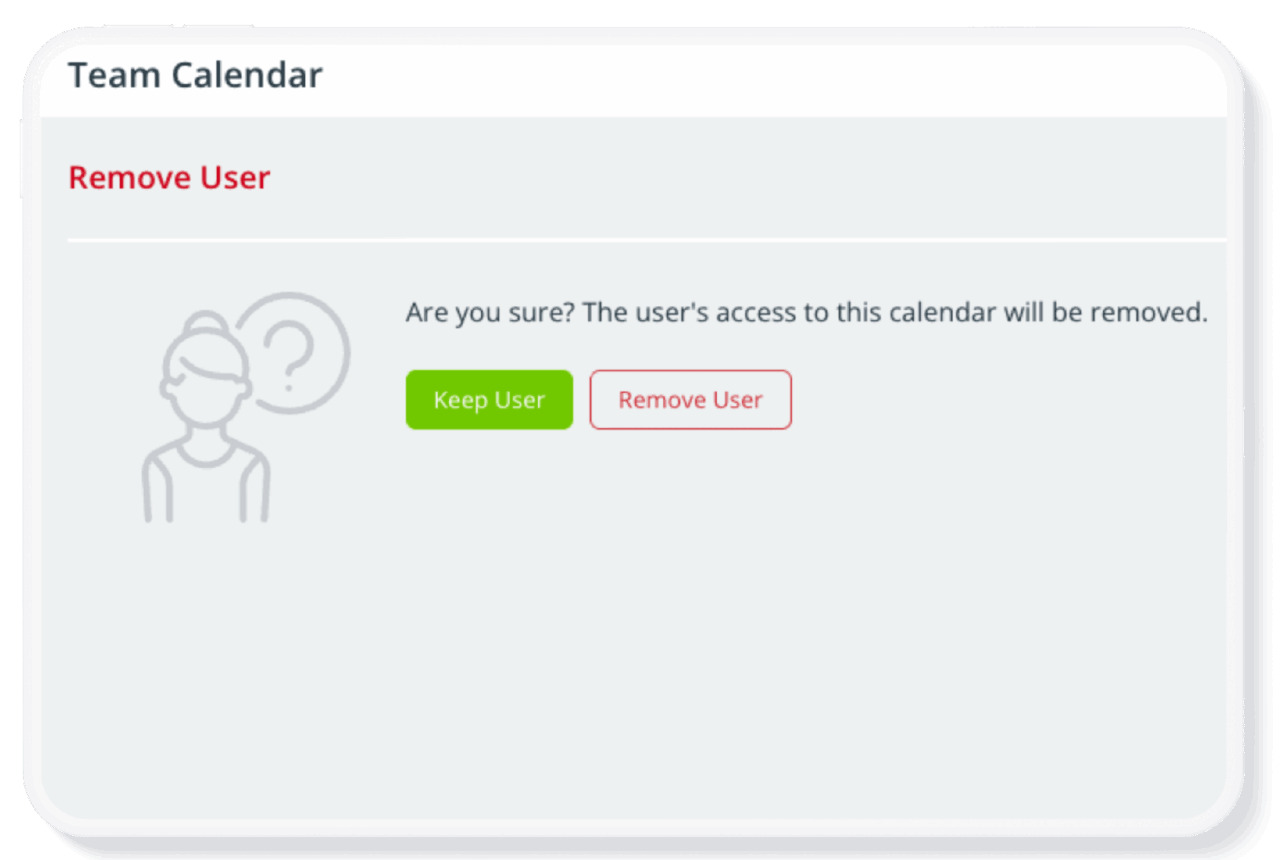
If a team member leaves the organization, the calendar administrator needs to remove the user’s access to the calendar immediately. This is done by removing the user. When you remove a user, you do not lose the data on the user’s sub-calendar.
🔒 Removing a user is like revoking their key/ID card that they use to access the office and their own workspace. The workspace itself and all it contains (files, notes, work records, etc.) remains in the company’s control and can be archived, removed, and/or repurposed.
Summary: Sub-calendars and calendar users are two separate things. Removing a user does not remove their data. Calendar data exists independently of calendar users. As a calendar admin, you can remove any user or delete any links as needed. Doing so will not affect the data added by or for that user.
Learn more: Remove calendar users without losing their data