
Teamup Ticker
How to embed Teamup on a Wix website
Wed Jan 7, 2026
.Ticker > Tips / Support Nuggets
Here's how to embed Teamup onto a Wix website:
- Start by creating a secure link for embedding.
- Then use that secure link in Teamup's Embed Wizard to generate customized iFrame code.
- In your Wix site editor, add an element and choose Embed Code > Embed HTML.

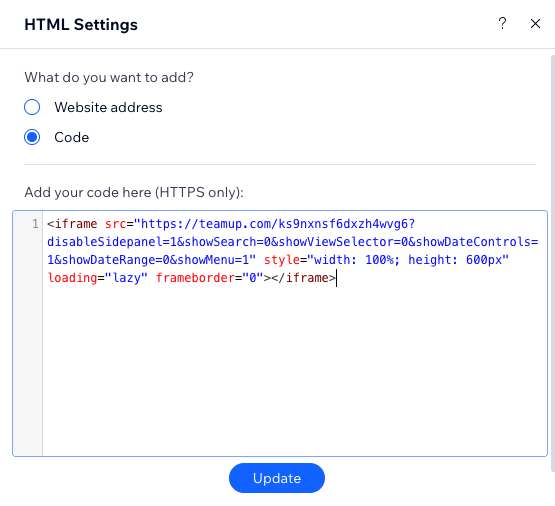
- Paste in the iFrame code that you generated:
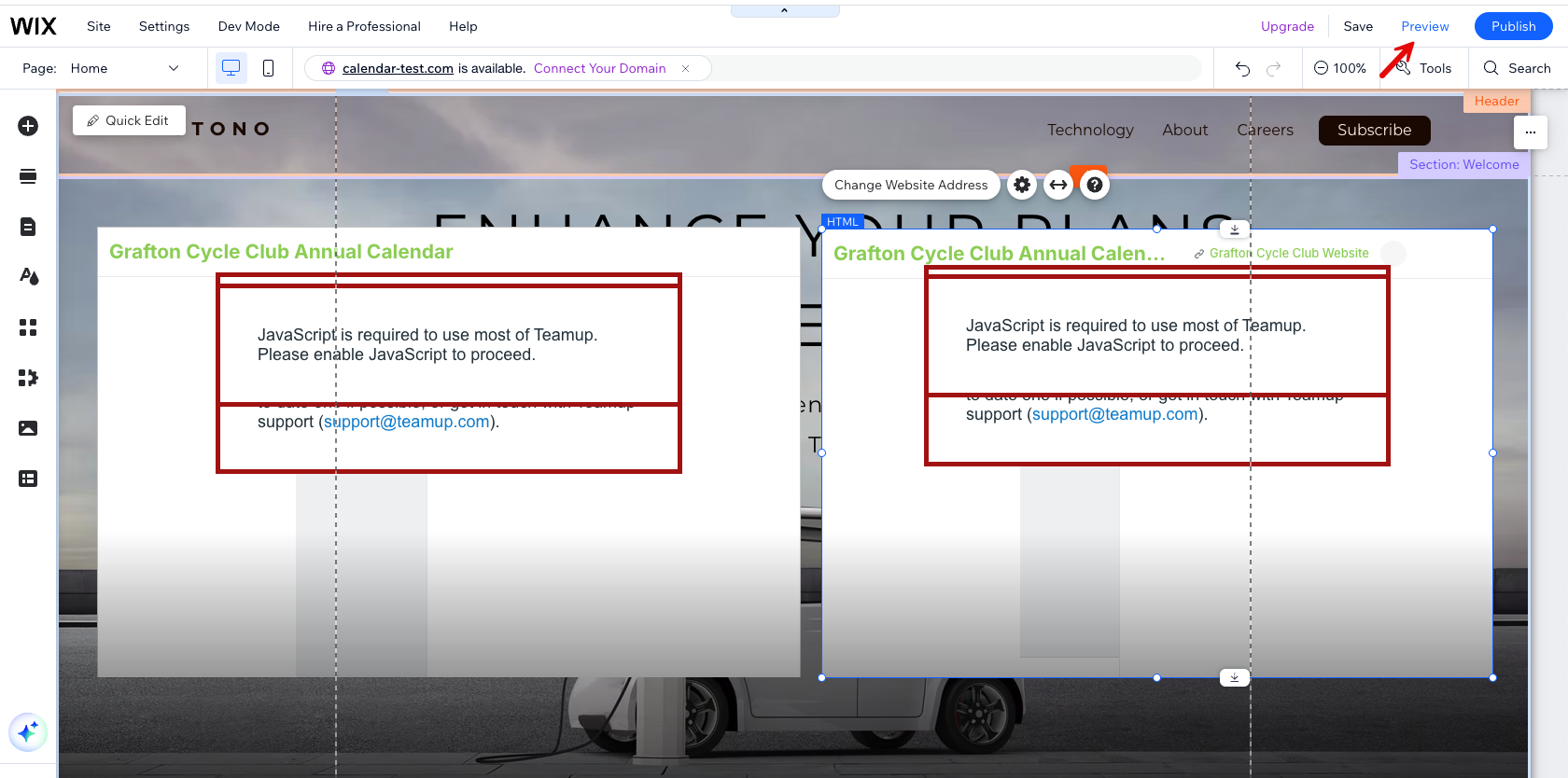
- Preview your Wix page. Note that you may see a JavaScript error message while your page is in design mode.
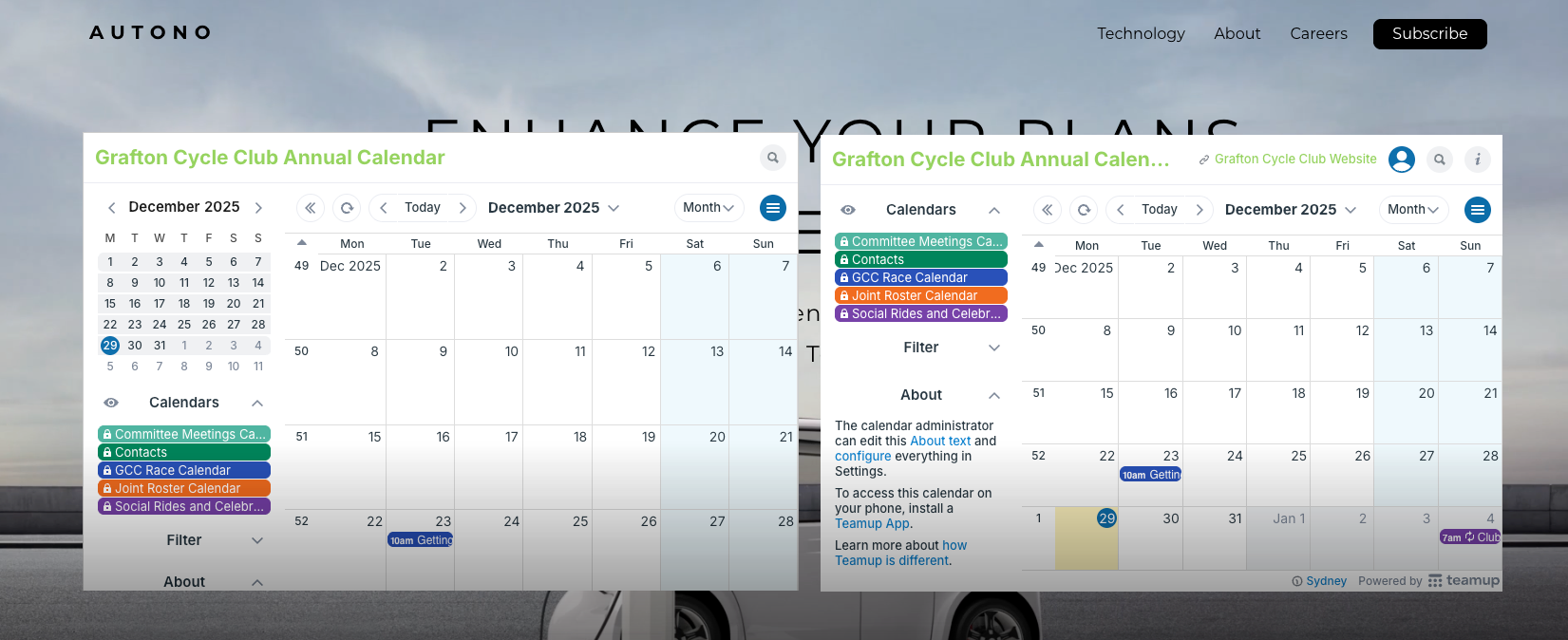
Preview your page to see Teamup displayed correctly:
embed, Teamup, iframe, Wix, website, embedded, page