
Teamup Ticker
Add a Teamup calendar to Microsoft Teams
Mon Oct 26, 2026
.Ticker > Tips / Support Nuggets
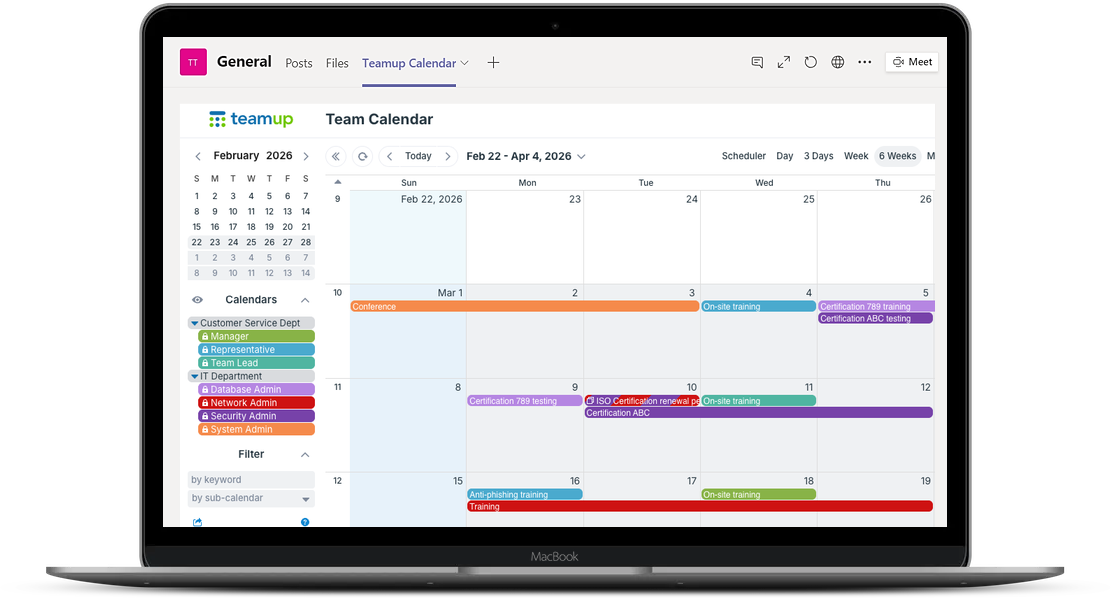
Put the team schedule right where people already work. Any team owner or member (not guests) can add a Teamup calendar as a tab in a Teams channel.
Only a Teamup calendar administrator can access settings to create the shareable link needed (step 1):
- In Teamup, create a shareable calendar link:
- Settings > Sharing > Add User > Link > Add.
- Select the sub-calendars to include.
- Set the link permission to read-only.
- In Teams, open the channel and click + (Add a tab).
- Choose Website.
- Name the tab (e.g., “Calendar”) and paste the calendar link.
- Click Save.
Tip: Everyone in the team can open the tab, so share only the sub-calendars they should see.
integration, MS, microsoft teams, tab, integrate