
Teamup Ticker
How to use Teamup's customizable Year view
Fri 23 Jan 2026
.Ticker > Tips / Support Nuggets
Standard calendar views provide one mode for long-range planning and scheduling: twelve months, one fixed year, starting in January. Often, planning cycles don’t line up with that structure.
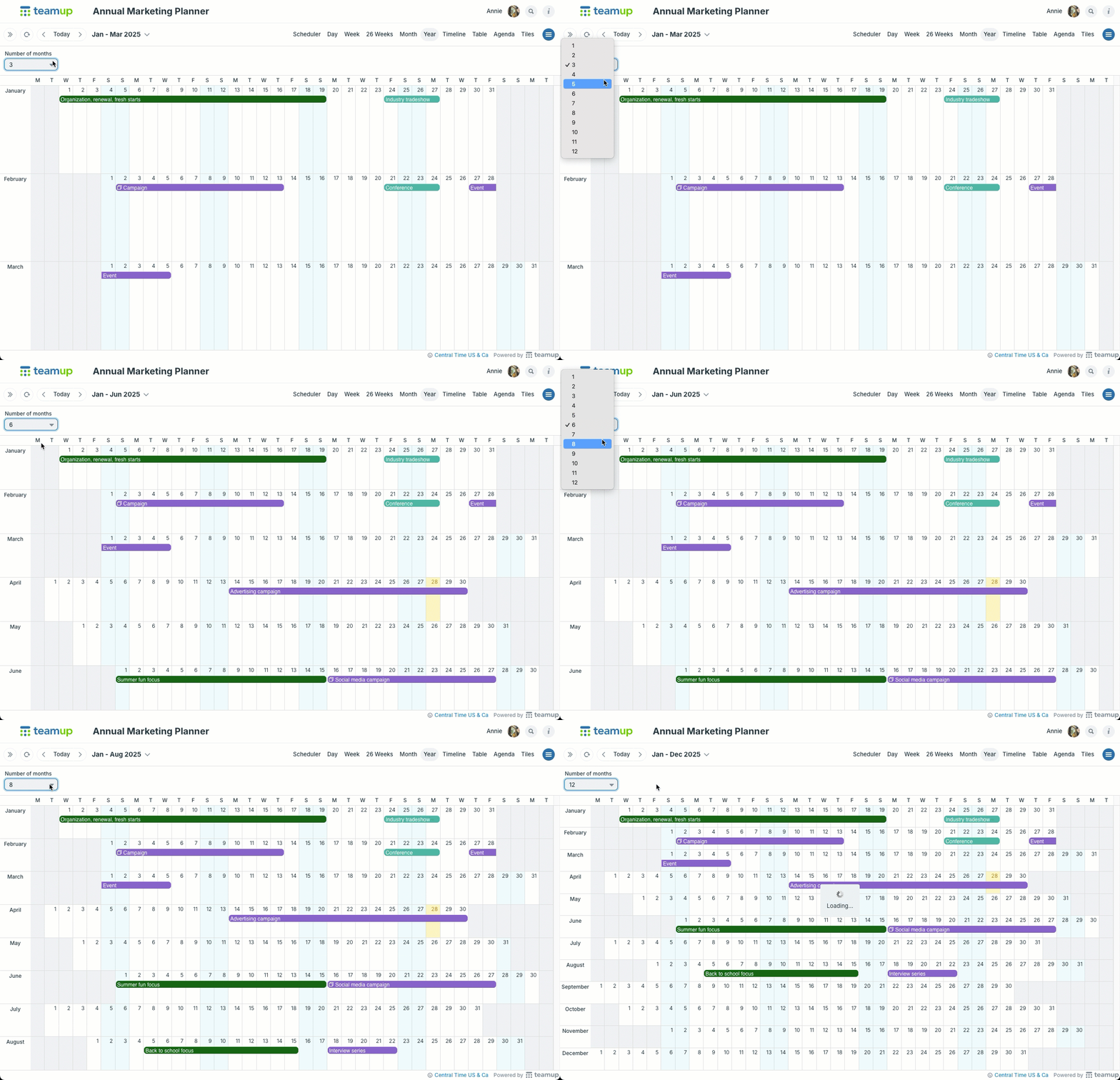
Teamup's customizable Year view makes it possible to choose how many months appear and which date range they cover. Instead of a fixed January–December panel, the display can show anywhere from 1 to 12 months at a time, aligned with practical planning periods such as terms, quarters, or project phases.
- Adjust the number of months shown by using the drop-down menu in the top left.
- The calendar administrator can configure the number of months shown by default in Year view. Users can still adjust the months shown when using the calendar.
- Adjust the date range using the pop-up date picker.
- See all the events: The rows will widen automatically to accommodate more visible events. If a row drops out of the visible screen space, scroll up and down with your mouse wheel or scroll bar.
Year view, multi-month view, long-range, annual planning