
Teamup Ticker
How to turn off notifications
Mon Jun 8, 2026
.Ticker > Tips / Support Nuggets
You can adjust your notification preferences or unsubscribe at any time. The calendar administrator can also manage or deactivate change notifications for any user.
In the Teamup app: From the left sidebar, tap the gear icon > Change notifications. Turn the toggle off or adjust the settings as needed, then tap the checkmark. More details.
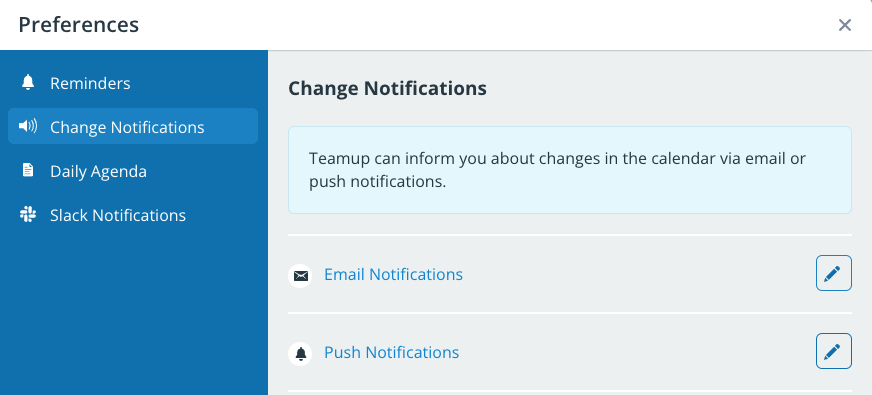
In a browser: From the blue menu select Preferences > Change Notifications. Turn the toggle off or adjust settings as needed. More details.
manage, notifications, email, push, notify, account, users