
Teamup Ticker
When to use groups to manage individual users
Groups are an easy way to organize and manage multiple users. They are especially helpful if a number of individual users all have the same complex permission requirements. The group permissions can be set up as needed, then individual users added to the group. This eliminates the need to set up each user's permissions separately.
If most users have simple access requirements, setting up a group would not be beneficial. Instead, you could easily assign each users with the needed access permissions individually in fewer steps.
Set up a group
- Open Teamup in a browser.
- Click the blue menu (top right).
- Select Settings.
- Go to the Sharing tab.
- Click Create Group.
Follow the steps explained here to configure group access and add members.
Add a user to a group
When you add an account user, at the bottom of the screen you can add them to an existing group:
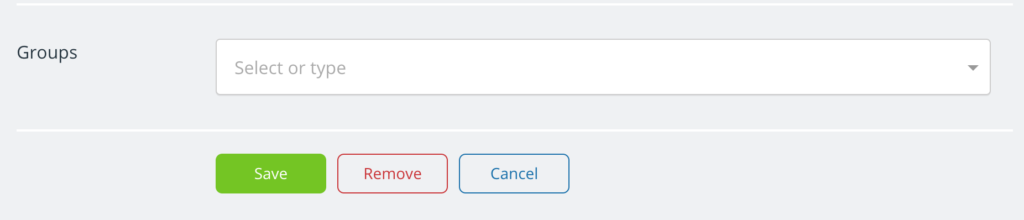
- Scroll to the Groups section of any user’s settings.
- Select the group from the drop-down menu.
- Click Save.
The user will be granted the permissions that are set for the group.