
Teamup Ticker
See which events have signups in Table view
Mon Jun 22, 2026
.Ticker > Tips / Support Nuggets
Events with active* event signups display a flag icon in the title bar:
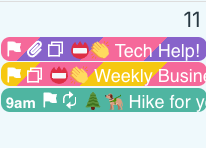
While you can scan events in any calendar view and look for the flag icon, Table view is particularly good for quickly finding events with signups.
Scan down the Title column to see which events have the signup flag:
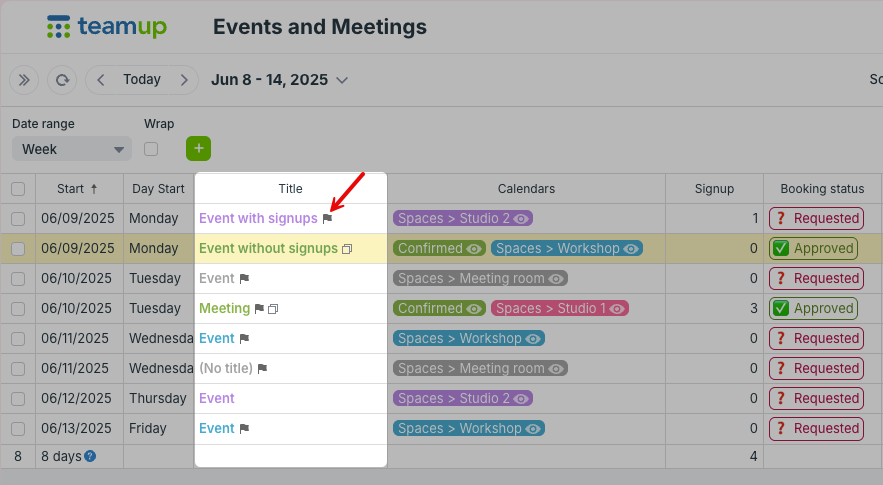
You can toggle calendars, adjust the date range, and use filters to show only relevant events.
💡Tip: Make the Signup column visible to see the number of signups for each event.
*Active signups means that the signups are still open; the flag icon will not show once the deadline has passed or the maximum number of signups is reached.
signups, flag, icon, view, working with events, table view, columns