
Teamup Ticker
How to create calendar links for sharing
Thu 4 Dec 2025
.Ticker > Tips / Support Nuggets
We recently updated the Sharing interface. There are now two buttons (Add User and Create Group) above the list of users, links, and groups. 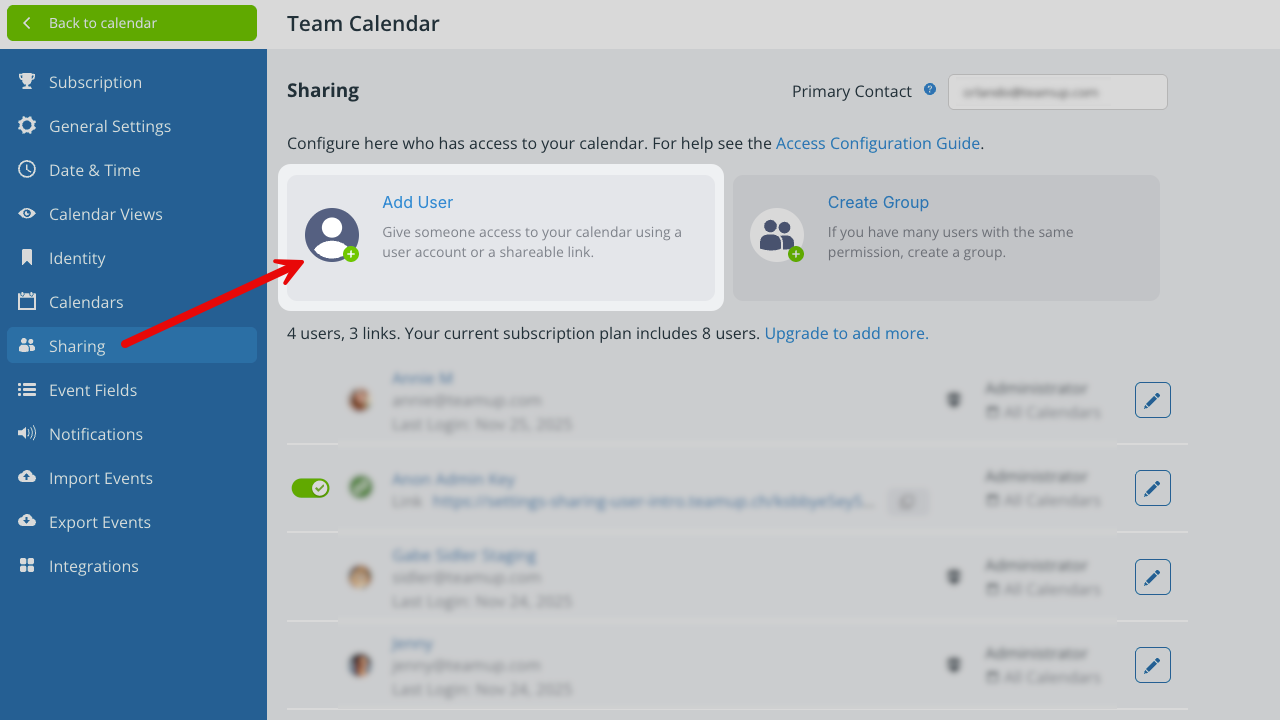
It's still possible to create a new calendar link:
- Open Teamup in a browser and go to Settings as usual.
- In the Sharing tab, click the Add User button (above).
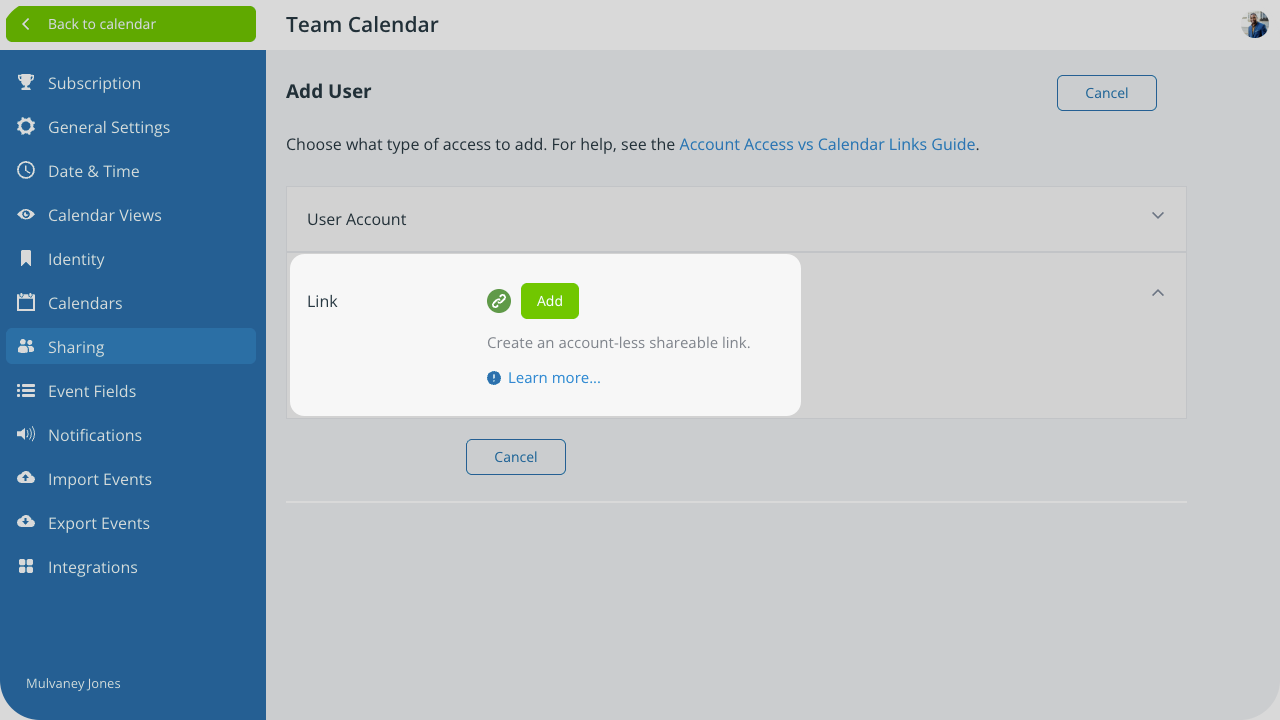
- Expand the Link section (below). See detailed steps here.
- Click Add.
- Proceed with naming the link and configuring access, then Save.
Important note: Unless you need links to embed or share a calendar with a group/the public, it is recommended to add account users. See more details in this article.
links, shareable link, access link, how to add link