
Teamup Ticker
How to use iCalendar feeds
Wed Apr 15, 2026
.Ticker > Tips / Support Nuggets
What are iCalendar feeds?
An iCalendar feed lets you set up a one-way sync between calendars. With an iCal feed, you can “feed” events from the source calendar to a subscribing calendar automatically.
Ways to use iCalendar feeds
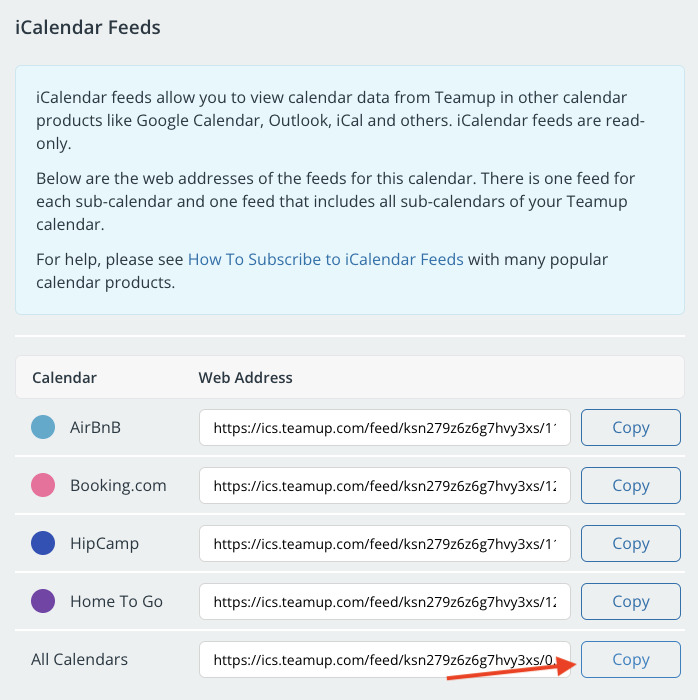
There are several ways you can use iCalendar feeds to share or consolidate scheduling information:
- Share an outbound feed to let someone else view events from your Teamup calendar in their own calendar.
- You can share all the events from all sub-calendars, share a feed from just one sub-calendar, or generate a custom iCalendar feed of selected sub-calendars.
- Use visibility control to share only selected event info in the feed events: Here's an example of sharing status updates with clients.
- Set up an inbound feed to view events from a Google or Outlook calendar in your Teamup calendar.
- Use iCalendar feeds to show holidays or a daily weather report in your Teamup calendar.
- You can also use Teamup to consolidate multiple iCalendar feeds from other sources into one combined view and combined iCalendar feed.
- Bring external calendar feeds together to create an overview calendar of multiple schedules.
There's a lot you can do with iCalendar feeds: Get started here.
sync, feed, share, events, ical, ics, icalendar feed