
Teamup Ticker
How to delete old events from a calendar
Thu Feb 19, 2026
.Ticker > Tips / Support Nuggets
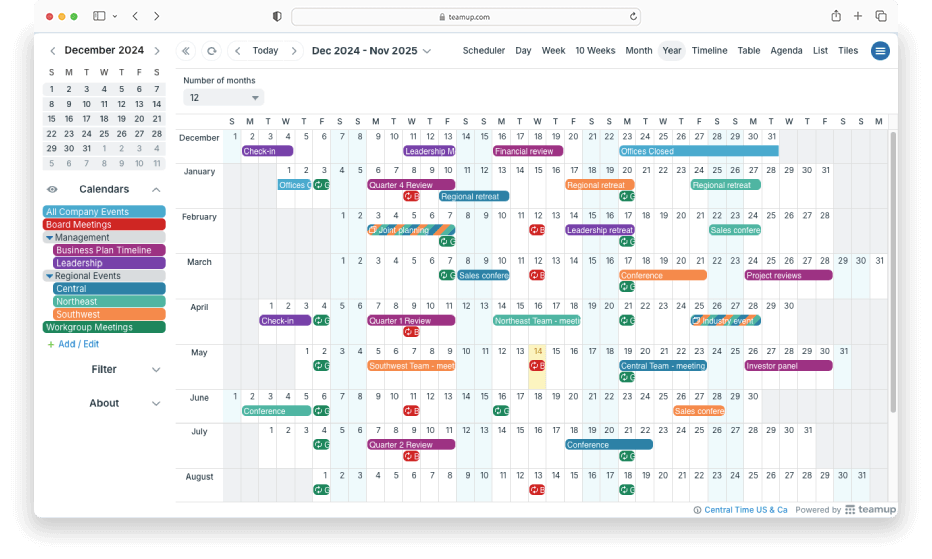
Want a fresh start for your calendar for the next block of planning?
You can delete all the events from a certain time range (e.g. last year's organizational plan, last academic block) from your calendar easily by deactivating sub-calendars and creating new ones in their place.
Here's how to do it:
- Make sure all the events you wish to remove are on a designated sub-calendar. You can use a sub-calendar that already exists or create a new one for the purpose of archiving these old events.
- Once all the events to be removed are assigned to the same sub-calendar, deactivate that sub-calendar. This will keep the data as an archive of the calendar data without cluttering up the calendar.
- Create a new sub-calendar to replace the one you deactivated and use for the same type of events you'll create moving forward.
If there are many new/current events assigned to the same sub-calendar as the events you wish to remove, here's another method:
- Export your events to a csv file as described here.
- Open that file and delete all of the old/to-be-removed events.
- In your calendar, deactivate (or delete) the sub calendar(s) which held the events.
- Then import the csv file back into Teamup Calendar, creating a fresh version of the sub-calendar(s) with only the current/undeleted events on it.
See this blog article for more.
delete, archive, remove, events, manage, export, data, fresh, restart, annual