
Teamup Ticker
🖥️ Update to Print & PDF Export option
Our latest version release includes a change to the Print & PDF Export option.
This option now opens the browser's print dialog instead of opening a separate print/export tool, with allows print previews to be displayed more quickly. Users can also work with the more familiar browser print settings to configure the layout for printing or saving a PDF.
A couple of important notes:
To print without the sidebar visible, simply close the sidebar before selecting Print/Export from the menu. 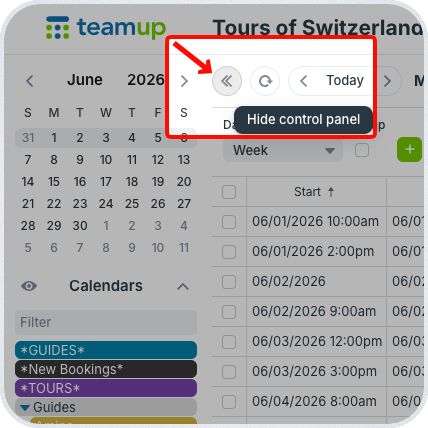
To print in Eco-Mode (which removes the color blocks around events), there is a pop-up option. 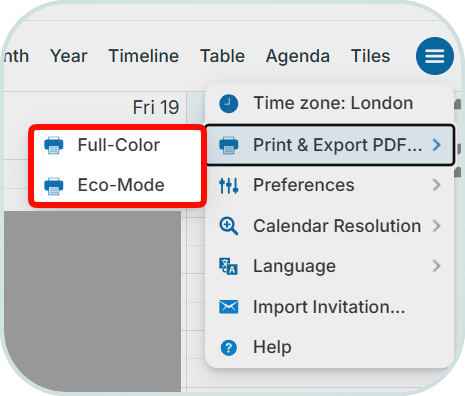
Choose Eco-Mode for a printout that replaces color-filled event blocks with a colored border only.
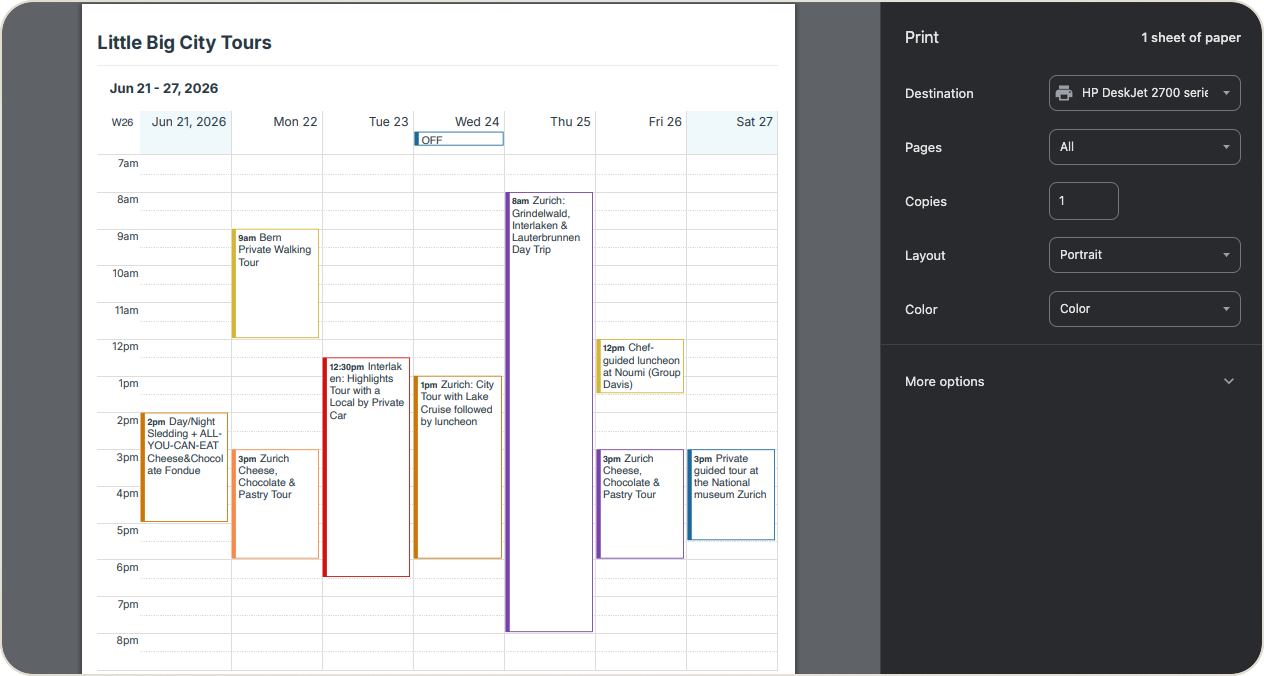
You can then choose to print in color or black and white from your browser's print settings. See more about Eco-Mode printing.