
Teamup Ticker
How to "split" iCalendar feed events to different sub-calendars
Mon Mar 16, 2026
.Ticker > Tips / Support Nuggets
If you are importing events via an iCalendar feed, you may want to send those events to different sub-calendars (categories).
It's not possible to directly "split" an incoming iCalendar feed. However, you can use this method instead:
- Set up the inbound iCalendar feed into a Teamup calendar as instructed here. The feed's events will be contained on one sub-calendar.
- Export the feed sub-calendar data to a CSV file.
- Open that file in Excel and sort the events as needed (by keyword, date, etc.) In the Calendar Name column, assign the different sub-calendar name(s) you want for the sorted events. Save the changes to the CSV file.
- Import the updated CSV file back into your Teamup calendar. The imported events will be assigned to the sub-calendar(s) designated in the Calendar Name column.
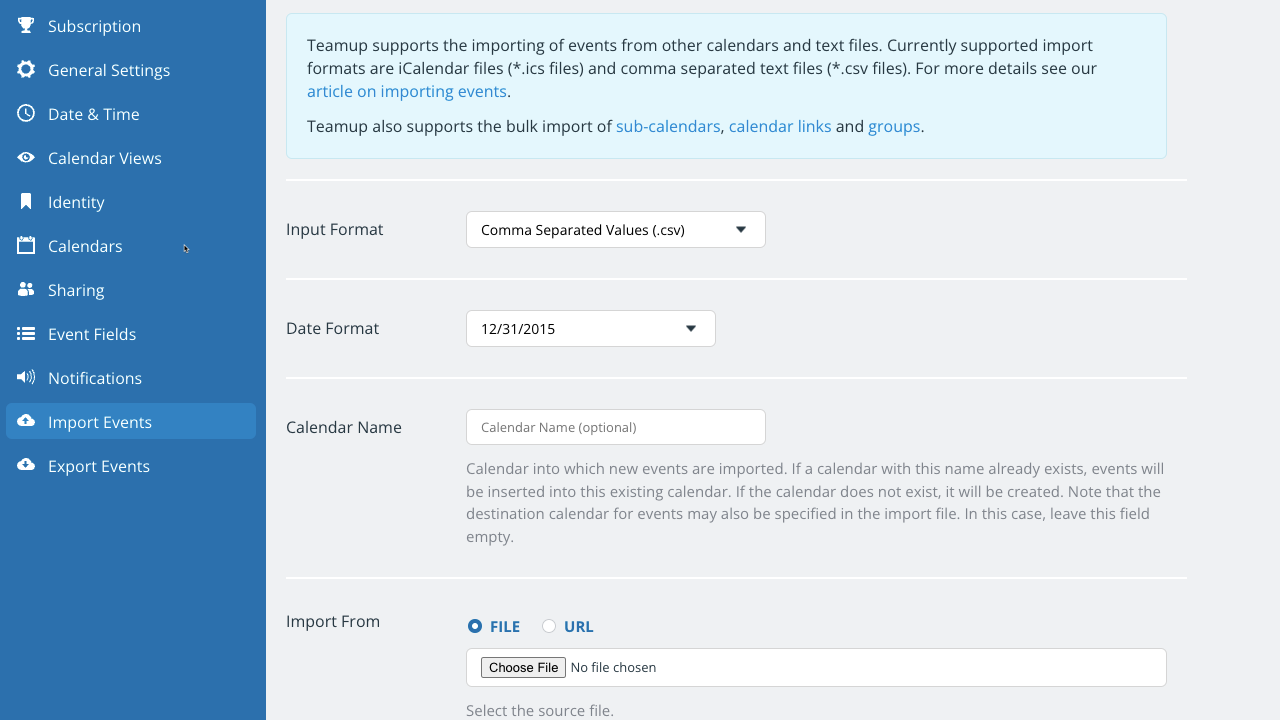
- Deactivate the inbound iCalendar feed if its no longer needed.
We recommend that you use one of our live demo calendars to test the import before uploading the file to your calendar. See more details about CSV import here.
icalendar, feed, sync, events, categories, sub-calendars, export, import, CSV