
Teamup Ticker
Prepopulate customer details on new jobs or meetings
Thu Nov 27, 2025
.Ticker > Tips / Support Nuggets
If you work with certain customers regularly, you may find yourself typing in the same information like customer name, number, etc.
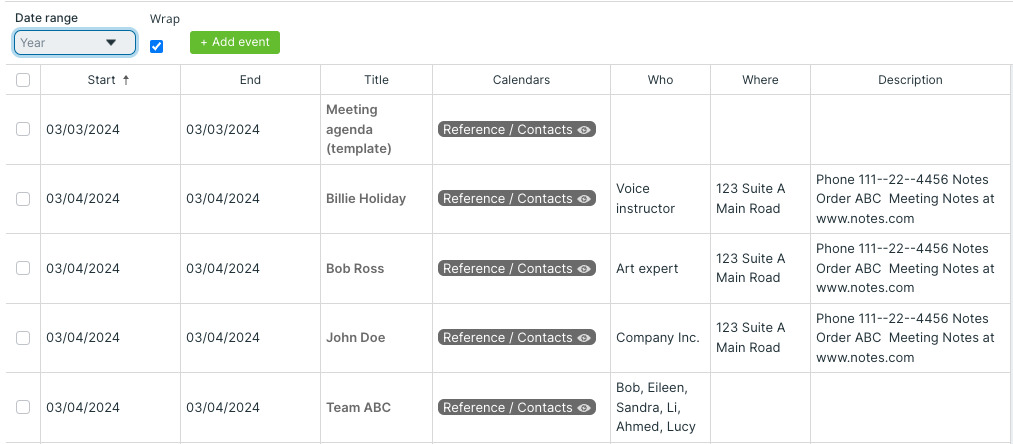
You can use "template events" to save some time and prefill new jobs/events with the needed customer information:
- Create a new sub-calendar called Reference or Customer Information or something similar.
- For each regular customer, create a 'template' event that contains the relevant information for that customer. Assign it to the Customer Information sub-calendar.
- Set these template events to repeat on a regular basis (e.g. monthly) so they're easy to find when needed.
- When you need to create a new job or meeting for a customer, duplicate the relevant customer's template event to the day for the job/event. Their information will already be there, and you can add the specific details needed for the job/event.
Keep the Customer Information calendar toggled off so your view isn't cluttered. When you need one, simply toggle the calendar back on and the template events will be there.
information management, template, customers, clients, recurring events